

Good lead management software helps your sales team work faster and smarter. When you pick the right tool, you can turn interested people into paying customers and grow your business quickly.
Many sales teams struggle because they lack the right system to manage their leads. Leads slip through cracks, response times slow down, and sales reps do not know who should follow up with which customer. The best lead management software fixes all these problems.
Key Takeaways:
- Lead management software captures and organizes every lead, so you never miss sales opportunity.
- Automatic lead routing sends leads to the right salesperson at the right time.
- Easy dashboards show you where every lead is in the sales funnel, so managers can spot problems and help the team improve.
- Smart lead scoring tells your team which leads are ready to buy right now, so they focus on the best opportunities first.
- Working with your CRM simplifies everything and eliminates the need to re-enter information, saving your team time and reducing mistakes.
- Reports and forecasts show you exactly which leads to generating revenue, and which do not, so that you can make smarter business decisions.
What is Lead Management Software?
Lead management software is a system that finds, tracks, and assigns leads to your sales team. Think of it like a smart helper that watches every step of your lead's journey. It does much more than just store names and email addresses.
The best lead management tools do four main jobs:
- Catch leads from many places, like your website, emails, and ads.
- Improve the lead information by adding key details.
- Send leads to the right salesperson fast.
- Show managers how the sales team is doing with each lead.
When you use good lead management software, your entire team moves faster. Leads get attention quickly, customers feel important, and your sales team closes more deals.
How Does Lead Management Software Work?
Lead management software follows these steps in order:
First, it catches the lead. Your software grabs information from web forms, emails, text messages, phone calls, and ads. No lead gets lost because the system finds them all in one place.
Next, it adds more information. The tool looks up customer information, such as the company they work for and what they've bought before. This additional information helps your sales team better understand the lead.
Then, it gives the lead a score. The software analyzes signals such as the number of emails opened, the number of pages visited, and the words used in messages. It tells you if the lead is ready to talk to a salesperson right now or needs more time.
After that, it routes the lead fast. Instead of a manager sending emails to assign leads, the system does it automatically. It finds the best salesperson based on their skill, current workload, and the type of lead.
Then, it watches everything. The software tracks when the salesperson calls, emails, or meets with the lead. It shows how fast they respond and what happens next.
Finally, it shows the full picture. Your managers can see one dashboard that shows all leads moving through your sales funnel. They spot bottlenecks and know where to help the team improve.
All of this happens without your team having to do extra work. The system runs in the background while your sales team focuses on customer conversations.
Lead Management Tools Compared
Lead management software is not the same as CRM or other sales tools. Here is how they differ:
Lead Management Software focuses on one job: catching leads, getting them ready, and sending them to the right person fast. It is like a specialist doctor who knows one area very well.
CRM Software stores all your customer information and communication history. It is like a big filing cabinet for your business. CRMs track past sales and current deals, but they do not move leads as quickly.
Sales Pipeline Software shows you how many deals you might close and how much money you could make. It helps you see the future and plan better. Pipeline tools focus on money and numbers, not on the speed at which leads to reaching salespeople.
Here is an easy way to remember:
- Lead management software = gets the lead to the right person fast
- CRM = remembers everything about every customer
- Pipeline software = predicts your future sales
Many modern tools combine all three of these jobs in one package. This saves money and means your team learns just one system rather than three.
Must-Have Features for Great Lead Management in 2026
To pick the best lead management tool, you need to know what features matter most. Here are the top features that all good lead management software should have:
1. Lead Capture from Every Place
Your leads come from many places. Some people fill out your website form. Some call from your ads. Some reply to emails. Your lead management software must catch leads from all these places:
- Website forms and chat boxes
- Text messages and WhatsApp
- Email replies and questions
- Phone calls and voicemails
- Marketing ads on Facebook and Google
- Events and webinars
- LinkedIn connections and messages
If your tool misses leads from any of these places, you lose money. Picture this: a hot lead emails you asking for a price, but your system misses it because it only checks web forms. That sale goes to your competitor instead.
The best software watches all these channels at once. When a lead shows up anywhere, the system sees it right away.
2. Automatic Lead Assignment and Routing
Imagine a sales manager spending two hours every day typing emails to assign leads to team members. That manager is not making sales. They are doing busy work.
Automatic routing removes this job. Your system learns your rules and assigns leads without any human help.
Good routing rules include:
- Give each salesperson the same number of leads each week.
- Assign leads based on where the customer lives.
- Send leads to people who know that type of business.
- Only give leads to people who are not busy right now
- Send big, important customers to your best salespeople
- Send leads to specific people if the customer asked for them
When leads are assigned quickly, your sales team responds quickly. Studies show that when you call a lead within 5 minutes instead of 30 minutes, you are 21 times more likely to make the sale.
3. Clear Pictures of Your Sales Funnel
Your sales manager needs to see the whole picture. They need to know right now:
- How many new leads did we get this week?
- How many are still waiting for a call?
- How many have already talked to a salesperson?
- How many are ready to buy?
- Which salespeople respond fastest?
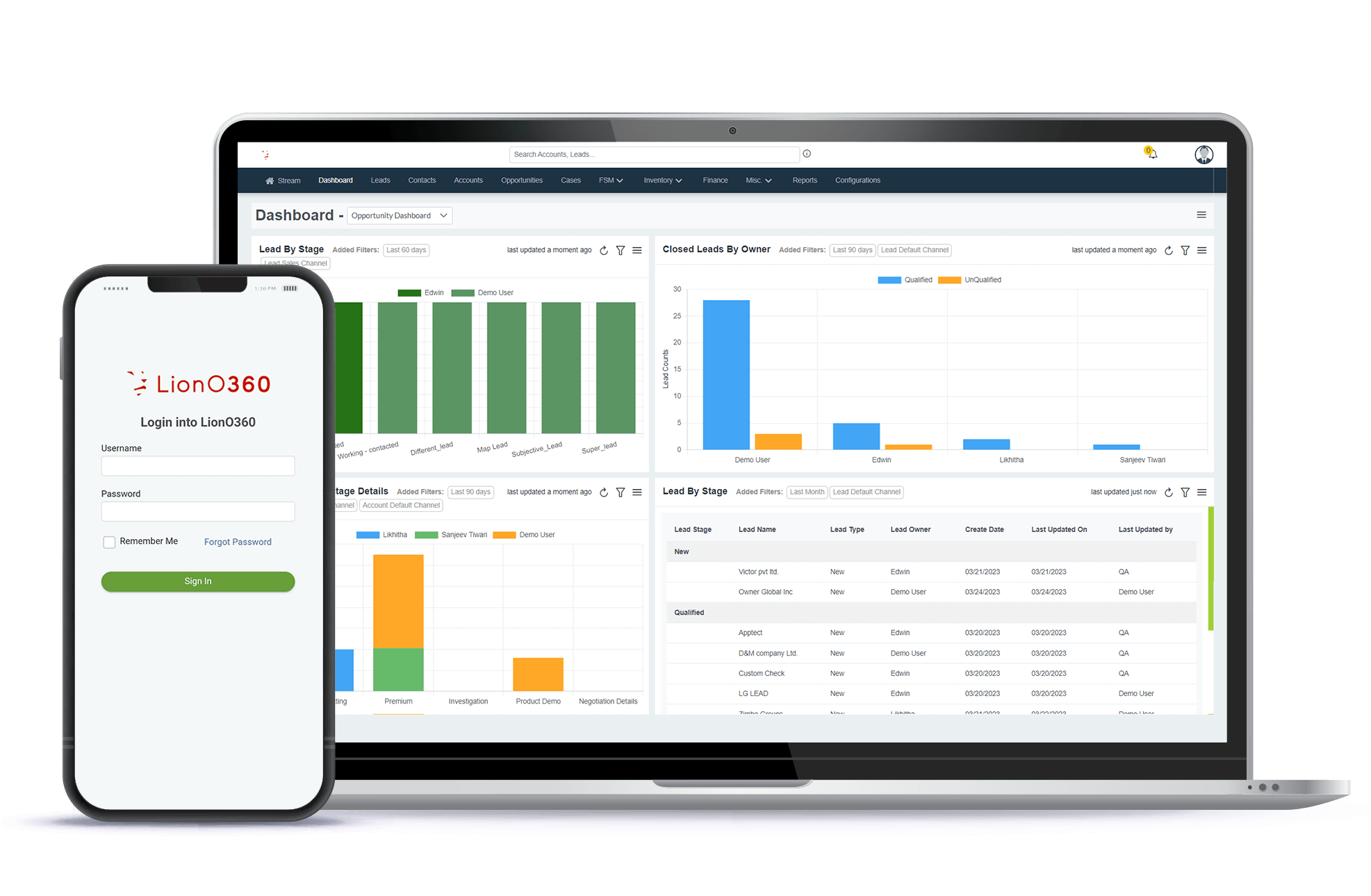
A good dashboard shows all this on one screen. You do not need to check three different reports or ask ten questions. You see it all at a glance.
Smart dashboards also show you problems. Maybe one salesperson has 50 leads, but only calls 5. Maybe leads from your biggest customer always move through the funnel fast, but leads from small companies get stuck. When you see these patterns, you can fix them.
4. Works Smoothly with Your CRM
Your CRM holds all your customer information. Your lead management software needs to work in partnership with your CRM, not as a separate tool that clashes with it.
The best kind of teamwork is when these happen:
- Information flows both ways without typing
- New leads show up in your CRM right away
- Salespeople open your lead management tool and see all the customer history from your CRM
- When a lead moves to the next stage, both systems update at once
- Your calendar stays in sync, so you never double-book a meeting
Without this teamwork, your salespeople have to switch between two programs. They look up lead info in one tool, then switch to another to check customer history. This wastes time and causes mistakes when the data does not match.
The very best tools integrate deeply with your CRM, like Salesforce. This means the tools work as if they were part of the same system, not two separate programs that barely talk to each other.
5. Lead Scoring to Find Ready Buyers
Not all leads are the same. Some people just browsed your website. Others watched three of your videos and filled out a form. One person called asking about the price and timeline.
Lead scoring tells you which leads are most likely to buy right now. The system looks at:
- Which pages they visited
- How many emails did they open
- If they downloaded something
- How fast did they reply to you
- Words they used in messages
- How many times have they come back
The software gives each lead a score of 10 out of 100. A score of 90 means they are almost ready to buy. A score of 20 means they are just beginning to learn about you.
When your sales team knows which leads are hot, they focus on the right people. This boosts sales faster than calling random leads and hoping they care.
6. Reports That Show What Works
You need facts to grow your business. Good lead management software gives you reports that answer these questions:
- How many leads turn into customers each month?
- How fast do our salespeople respond to leads?
- Which places give us the most leads? (Your website? Ads? Referrals?
- Which leads never turn into customers? What is wrong?
- How much money do lead from each source make us?
- Is one salesperson better at closing deals than the others?
These numbers tell you what to do next. Maybe leads from your ads never close, so you stop spending money there. If your website leads close quickly, you may invest more in website traffic. Maybe one salesperson is amazing at closing, so you ask them to train others.
Without these reports, you guess. With reports, you know.
How to Pick the Best Tool for Your Business
Now you know about many tools. How do you choose? Here is how to think about it:
Look at your team size. If you have two people, you do not need the same tool as a 50-person team. LionO360 CRM grows with you.
Think about your budget. Some tools cost a lot. Some cost nothing to start. Write down what you can spend. Then look at the tools in that price range.
Count your complicated needs. Do you have complex rules for assigning leads? Do you need custom reporting? Salesforce is built for this. Do you need to catch leads and send them to salespeople? LionO360 CRM does this better and faster.
Check what you already use. Do you use Salesforce? Look for tools that work great with Salesforce. Do you use Google Workspace? Look for tools that sync with Google.
Try before you buy it. Most tools let you try for free. Spend one week using it with a real lead. See if your team likes it. If not, try another.
Talk to your sales team. They are the ones who use it every day. Ask what they need. A tool that slows down your sales team is a bad choice, even if it is cheap.
LionO360 CRM: Smart Lead Management Made Easy

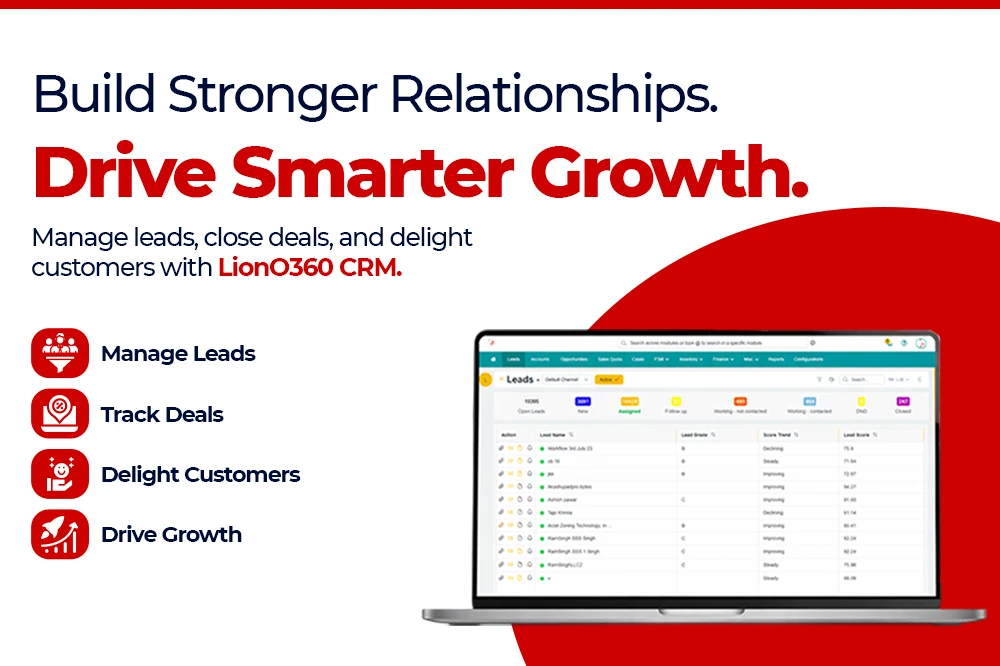
LionO360 CRM stands out by making lead management simple. You do not need a team of experts to set it up and use it. If you are a small team or a big team, LionO360 works for you.
Key reasons teams prefer LionO360:
- Gets leads from your website, phone, email, and chat, all in one view
- Sends leads to the right salesperson in seconds without anyone doing extra work
- Shows one clear dashboard so managers know exactly what is happening
- Works perfectly with other tools your team uses
- Learns your business rules and runs on its own
- Beautiful and simple to use, even for people new to sales software
The LionO360 focuses on speed and ease. You do not get lost on menus or need two days of training to use it. Your team can start using it today. First, it is simple and has all the features you need to catch, score, assign, and track leads. And it grows with your team.
The LionO360 CRM is made for teams that want to grow. It gives you the speed you need to beat your competitors.
Ready to speed up your sales team? Learn more about how the best lead management software can help you close more deals. Visit LionOBytes or book a free CRM demo to see how top teams are growing faster with smart lead management systems.
Frequently Asked Questions
What is the number one feature of good lead management software?
The speed is number one. If leads sit in a queue for hours before someone calls them, you lose sales. The best software gets leads to your salespeople in seconds.
Can small teams really use lead management software?
Yes. You do not need a big team to benefit. Even two people can use these tools. The smaller the team, the more you gain from automation, since everyone is super busy.
Does lead management software replace my CRM?
No. Lead management and CRM are teammates. Your CRM is your memory. It remembers everything about every customer forever. Lead management is the speed demon. It leads to the right person fast. You need both.
How long does it take to set up lead management software?
Simple tools like LionO360 CRM or Pipedrive take hours to set up. You log in, add your sales team members, and set up routing rules. More complex tools like Salesforce can take weeks or months because you are building something custom.
How do I know if lead management software is actually helping my business?
Track these numbers before and after you start using the tool. How fast do your salespeople respond to leads? How many leads turn into customers? How much revenue do you make? If these numbers go up, the tool is helping.